Introduction
University administration has become increasingly digital, and students now expect to complete many academic tasks online. At the University of Dar es Salaam, the ARIS 3 UDSM platform plays an important role in connecting students with academic records, registration, results, and other university services.
UDSM’s Directorate of Information and Communication Technologies currently describes ARIS 3 as a system for academic records, registration, results, and related student services. This makes the platform an important part of the university’s wider digital environment.
The purpose of this guide is to explain the platform in a simple and practical way. Instead of focusing only on login instructions, it explores the major functions, registration process, transcript requests, postgraduate services, account security, troubleshooting, and useful habits for students.
What Is ARIS 3 UDSM?
At its core, ARIS 3 UDSM refers to the Academic Registration Information System used by the University of Dar es Salaam.
UDSM documentation describes ARIS-3 as a web-based system designed to manage the student academic lifecycle from entry through graduation. The university developed it as an enhanced successor to ARIS-2 and introduced additional features for academic and administrative processes.
This means the platform is considerably broader than a basic examination-results website.
Depending on the student’s status and the services available, the system can be connected with areas such as:
- Academic registration
- Student academic records
- Examination results
- Transcript requests
- Student services
- Accommodation-related processes
- Graduation-related services
- Postgraduate research supervision
- Other administrative activities
The exact options visible to a student can vary according to their academic level, programme, and current university processes.
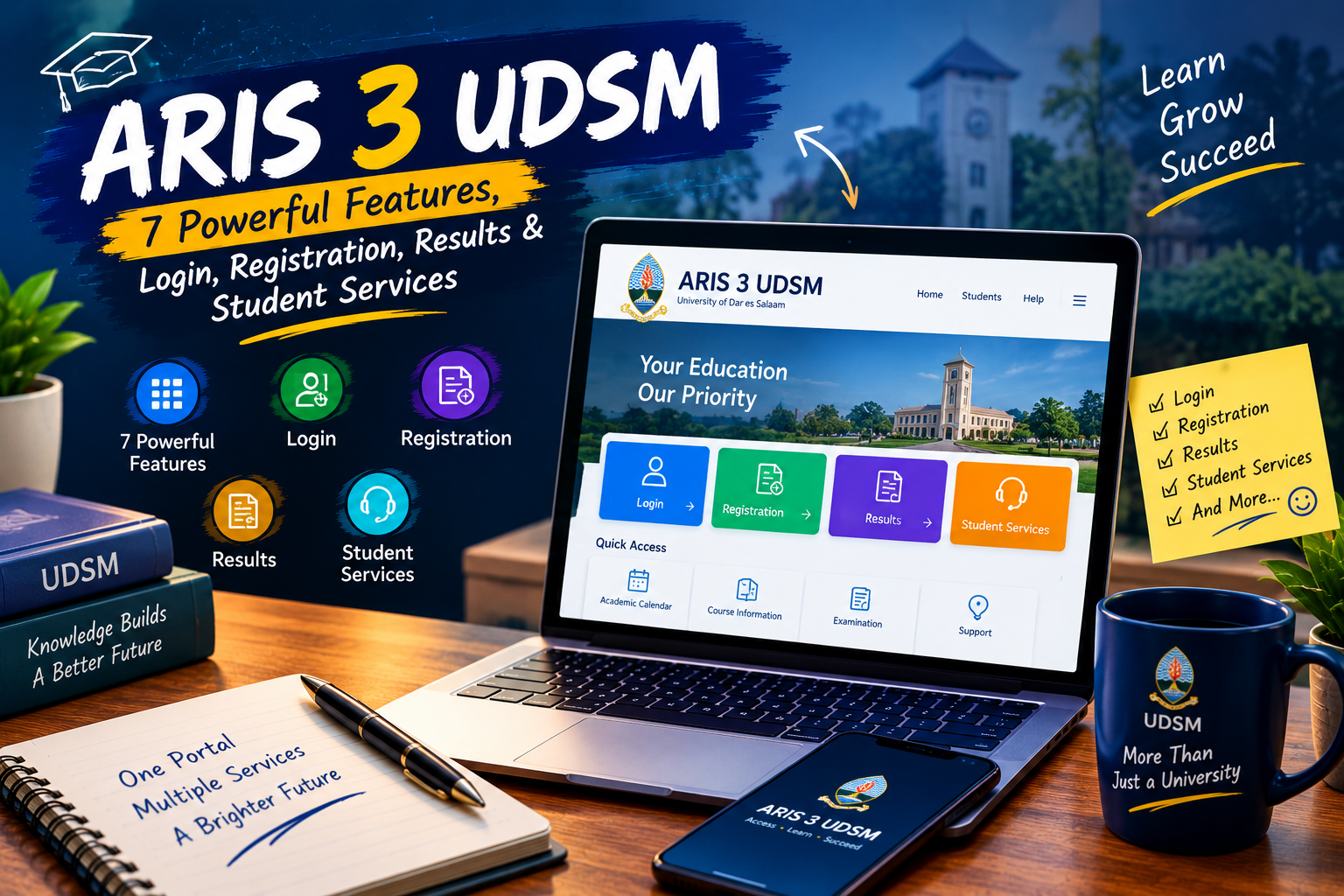
7 Major Features Students Should Know
Understanding the main functions of ARIS 3 UDSM can make the platform easier to navigate and can help students understand why their university account is important.
1. Academic Registration
Registration is one of the most important activities associated with the system.
UDSM joining instructions state that registration and payments can be completed online through the university’s Students’ Academic Registration Information System account.
For students, registration confirms their academic participation and connects their university information with the relevant academic period.
Students should always follow the latest registration instructions issued by UDSM because dates, requirements, and procedure can change between academic years.
2. Academic Records
A second important role of ARIS 3 UDSM is supporting access to academic information.
A centralized academic system allows university-related records to be managed digitally rather than depending entirely on manual paperwork.
UDSM’s ICT Directorate specifically lists academic records among the services provided through ARIS 3.
Students should still keep copies of important official documents because an online record and an official certified document may serve different purposes.
3. Examination Results
Students frequently look for the platform when they want to review academic results.
UDSM identifies results as one of the services associated with ARIS 3.
Having academic information available through an online system can make it easier for students to monitor their progress.
However, students should distinguish between viewing information online and obtaining an official transcript or certificate when such documentation is required.
4. Transcript Requests
Transcript-related services are another useful part of ARIS 3 UDSM.
UDSM publishes a specific procedure explaining how students can submit transcript requests through their ARIS 3 account. The official process includes opening the Academic menu, selecting “My Transcript Requests,” adding a new request, entering the required information, and saving it.
After the request is saved, the procedure states that the student receives a Control Number for payment. The student then downloads the Transcript Request Form, completes it, attaches the required documents, and submits the request according to UDSM’s instructions.
This is a good example of how a digital portal can connect an online request with a formal university process.
5. Postgraduate Online Supervision
A particularly useful function of ARIS 3 UDSM is its role in postgraduate research administration.
UDSM’s Online Supervision guide explains that the feature is designed to automate activities associated with the research phase. It includes proposal development, research clearance processing, data collection, intention to submit, examination arrangements, and examination-related activities.
The guide also states that students using this feature need an active ARIS 3 account and must be registered.
This makes the platform relevant not only to students taking conventional courses but also to postgraduate researchers.
6. Student Administrative Services
The historical UDSM description of ARIS-3 lists additional modules such as accommodation, security, graduation, communication, and student-related services.
The significance of ARIS 3 UDSM therefore comes from its broader role within university administration.
Instead of treating every student process as a completely separate activity, the system provides a central digital environment where multiple services can be connected.
7. Digital Support and Helpdesk Integration
Technical support is another important part of the wider UDSM digital ecosystem.
If a student experiences a problem with ARIS 3 UDSM, UDSM’s ICT Directorate provides a Helpdesk for reporting technical issues involving ARIS and other university systems.
The Helpdesk guidance recommends describing the affected system, explaining what happened, providing the error message when available, and keeping the support reference number for follow-up.
Read more: About Naolozut253: 7 Powerful Insights, Meaning & Complete Guide
How the ARIS 3 Login Fits Into Student Life
When students search for ARIS 3 UDSM, they are often looking specifically for the official login or portal.
The safest approach is to begin from UDSM’s official website and university ICT pages rather than relying on an unfamiliar third-party page.
UDSM’s current ICT page identifies ARIS 3 among its university systems and provides access through its digital services environment.
Students should also avoid entering their passwords into pages received through suspicious messages or unofficial links.
A simple security habit is to verify the domain before entering account information.
Registration Through the University System
Registration can involve several connected requirements.
For example, current UDSM undergraduate joining instructions describe registration as involving payments, certificate verification, medical checking, and course registration. The instructions state that registration and payments are handled online through the student’s ARIS account.
This makes ARIS 3 UDSM particularly important during registration periods.
Before beginning the process, students should check:
- The latest registration announcement
- Academic deadlines
- Required documents
- Payment requirements
- Course-registration instructions
- Any faculty or departmental notices
Following an old online tutorial without checking current university instructions can create unnecessary problems.
Understanding Transcript Requests
One of the most practical uses of ARIS 3 UDSM is the transcript request process.
According to UDSM’s official instructions, students begin by logging into their account and opening the Academic menu. They then select “My Transcript Requests” and use the “Add New Request” option.
The request requires relevant information, including the number of copies and permanent address. After saving the request, the student receives a Control Number and proceeds with payment.
The process demonstrates why students should carefully review information before submitting an academic request.
Keeping payment evidence and request details can also be useful if a student needs to follow up later.
ARIS 3 for Postgraduate Students
The role of ARIS 3 UDSM becomes especially interesting for postgraduate students because the platform supports research-related activities.
UDSM’s current postgraduate resources include an ARIS 3 Online Supervision guide. The guide explains that the system supports several stages of the research process, including proposal development, research clearance, data collection, intention to submit, examination arrangements, and examination activities.
This digital workflow can help connect students, supervisors, and university administration during research.
Postgraduate students should nevertheless follow the instructions of their supervisors, departments, schools, colleges, and postgraduate offices because not every academic decision is automatically handled by the system.
ARIS 3 Compared With Other UDSM Digital Services
It is important to understand that ARIS 3 UDSM is only one part of the university’s digital ecosystem.
UDSM lists several other systems, including its Learning Management System, e-Office, university email services, research systems, Turnitin, and Helpdesk.
This distinction matters because students may otherwise expect every online university activity to appear inside ARIS 3.
For example, online learning activities may take place through the Learning Management System, while technical support requests are handled through the ICT Helpdesk.
Knowing which system performs which function can save time.
What to Do When ARIS 3 Is Not Working
Technical problems can occur for many reasons.
If ARIS 3 UDSM is not loading, students should first determine whether the problem is caused by their internet connection, browser, account, or the university system.
Try the following basic checks:
Check Your Internet
Make sure the connection is stable before assuming the university system is unavailable.
Review Your Login Details
Carefully check the credentials being used. Avoid repeatedly entering incorrect information.
Update Your Browser
Using a modern, updated browser can help eliminate basic compatibility problems.
Check Official University Notices
A maintenance period or system issue may affect multiple users.
Contact the ICT Helpdesk
UDSM recommends its ICT Helpdesk for technical problems involving ARIS, LMS, email, E-Office, internet access, and other university ICT services.
Security Tips for Students
Account security should be taken seriously when using ARIS 3 UDSM because academic accounts can contain important personal and educational information.
Students should:
- Use strong account credentials.
- Avoid sharing passwords.
- Log out on shared computers.
- Avoid suspicious login pages.
- Verify official university links.
- Keep personal academic information private.
- Avoid posting sensitive screenshots publicly.
UDSM’s Helpdesk guidance specifically warns users not to include passwords, authentication numbers, or one-time verification codes in support requests.
This is a simple but important rule that students should remember.
Common Mistakes to Avoid
Students can make their experience with ARIS 3 UDSM easier by avoiding several common mistakes.
Using Outdated Guides
University procedures can change. Always compare third-party instructions with current UDSM information.
Choosing the Wrong Portal
Admission, learning, email, academic records, and technical support may use different systems.
Ignoring Deadlines
Registration and academic requests can have specific deadlines.
Entering Incorrect Information
Review details before submitting registration or transcript requests.
Sharing Account Credentials
University staff or support teams should not require students to publicly disclose passwords or authentication codes.
Forgetting Confirmation Details
Keep important payment records, request references, and other confirmations for future follow-up.
A Simple Student Workflow
A useful way to approach ARIS 3 UDSM is to divide your activities into three stages.
Before Using the Portal
First, identify exactly what you need to accomplish.
Is it registration, checking academic information, requesting a transcript, or completing a postgraduate research task?
Then locate the appropriate official UDSM instructions.
While Using the Portal
Enter information carefully and review every important field before submitting it.
If a payment or request generates a reference number, save it.
After Completing the Task
Keep confirmation details and monitor official university communication.
If something appears incorrect, contact the relevant university office rather than repeatedly submitting new requests.
This workflow can make digital administration more organized and reduce avoidable errors.
Why ARIS 3 Matters
The importance of ARIS 3 UDSM is closely connected to the university’s move toward more centralized digital administration.
UDSM’s earlier ARIS-3 documentation describes the system as a web-based platform intended to manage the student lifecycle from entry through graduation. It also identifies modules covering academic and online supervision, registration, accommodation, security, graduation, and student services.
Current UDSM ICT information continues to identify ARIS 3 as a core university system for academic records, registration, results, and related student services.
This combination of academic and administrative functionality explains why students may interact with the system at different stages of their university experience.
Frequently Asked Questions
What is ARIS 3 UDSM?
ARIS 3 UDSM is the University of Dar es Salaam’s Academic Registration Information System. It supports academic records, registration, results, and related student services.
What does ARIS stand for?
ARIS stands for Academic Registration Information System.
Can students use ARIS 3 for registration?
Yes. UDSM joining instructions identify the ARIS account as part of the online registration and payment process.
Can students request transcripts through ARIS 3?
Yes. UDSM publishes an official transcript-request procedure using the Academic menu and “My Transcript Requests” section.
Is ARIS 3 useful for postgraduate students?
Yes. UDSM provides an Online Supervision feature supporting several postgraduate research activities.
What should I do if ARIS 3 is not working?
Check your connection and browser first, then review official UDSM notices. If the problem continues, contact the UDSM ICT Helpdesk.
Is ARIS 3 the same as the UDSM Learning Management System?
No. UDSM lists ARIS 3 and the Learning Management System as separate university systems.
Read more: The Craftsmanship Behind High-Quality Replica Watches
Final Verdict
For students at the University of Dar es Salaam, ARIS 3 UDSM is an important part of the university’s digital infrastructure. Its role extends across academic registration, records, results, transcript requests, student services, and postgraduate research workflows.
The platform is most useful when students combine it with current university instructions and good account-security habits. Instead of depending on old tutorials or unofficial pages, students should verify important procedures through UDSM’s official website and relevant university offices.
As digital university services continue to evolve, some features and procedures may change. The safest approach is therefore to treat current UDSM announcements and official documentation as the final authority.
For everyday academic administration, understanding ARIS 3 UDSM can help students navigate university processes more confidently, keep better records, and know where to seek assistance when a technical or administrative problem occurs.